

Article Highlights
- Customizable App Shortcuts for Quick Access
- One-Handed Mode for Easy Use
- Hidden Camera Features like Super Steady Mode and Director’s View
- Multi-Tasking with App Pairs
- Adaptive Power Saving Mode for Extended Battery Life
- Stylish Edge Lighting for Notifications
- Unlock Developer Options for Advanced Features
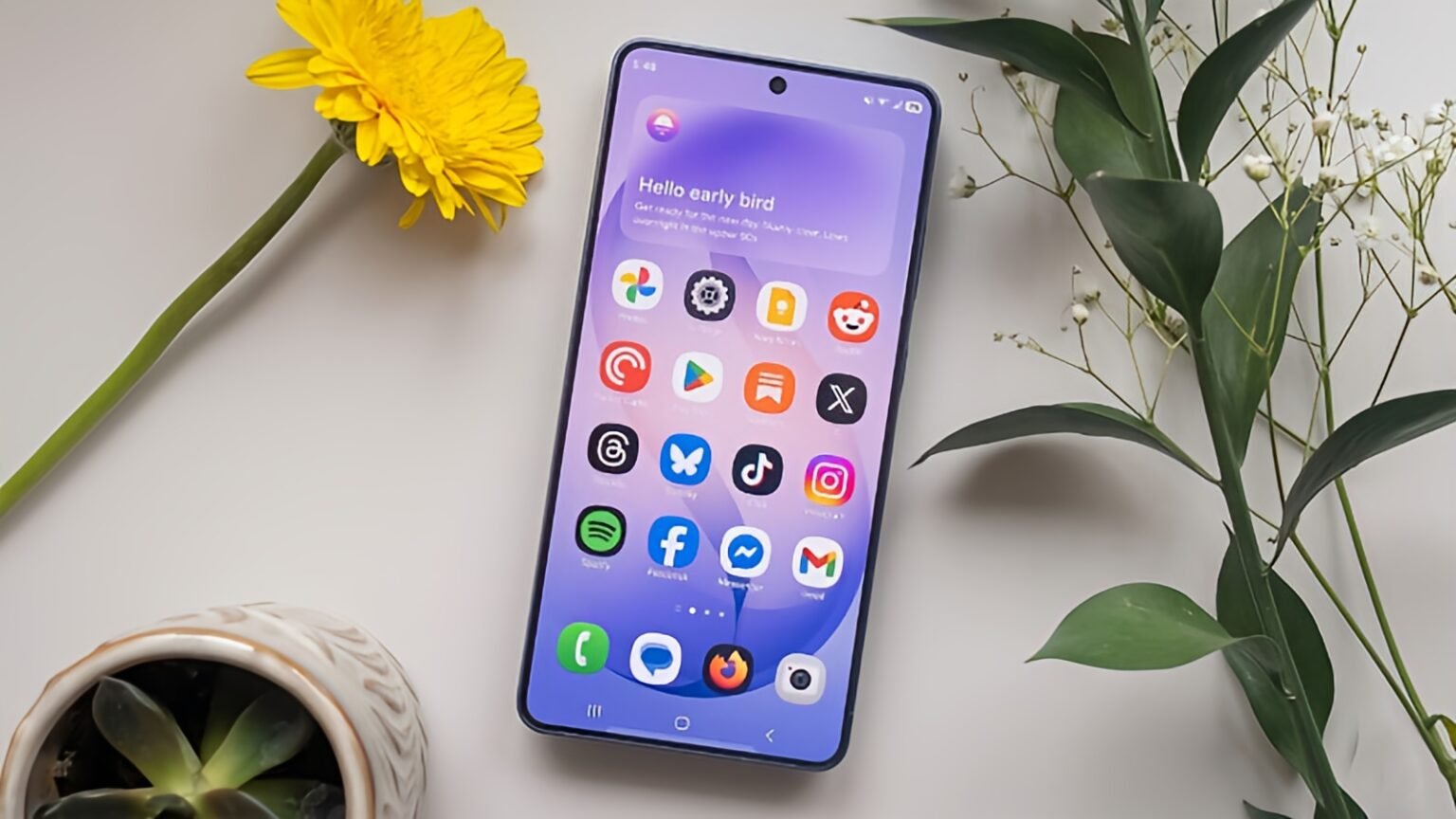
The Samsung Galaxy S26 is one of the most advanced smartphones to hit the market, with a plethora of features designed to enhance the user experience. While most users are aware of the device’s core features, many hidden gems remain undiscovered. In this article, we will unveil the top 7 hidden Samsung Galaxy S26 features you might not know about yet that can make your experience even more enjoyable and efficient.
1. Customizable App Shortcuts for Quick Access
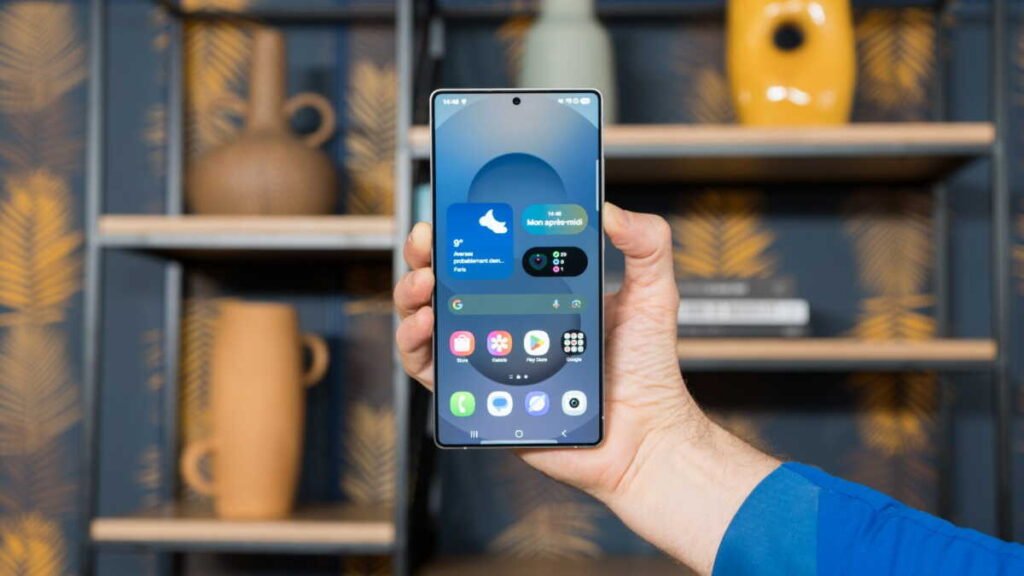
One of the standout features of the Samsung Galaxy S26 is the ability to create customizable app shortcuts. This lets you access your favorite apps or contacts directly from the home screen with a single tap. While many Android devices offer shortcuts, Samsung’s customization options are extensive. You can add shortcuts not only for apps but also for specific actions within apps. For example, you can create a shortcut to send a text message to a particular contact, open your favorite playlist, or navigate to a specific location within an app. This feature is perfect for those who want to save time and enhance their efficiency.
To enable this feature, press and hold on a space on your home screen, select Shortcuts, and then choose the apps or actions you wish to add. This simple customization option lets you quickly access the most important features of your Samsung Galaxy S26.
2. Samsung Galaxy S26 One-Handed Mode
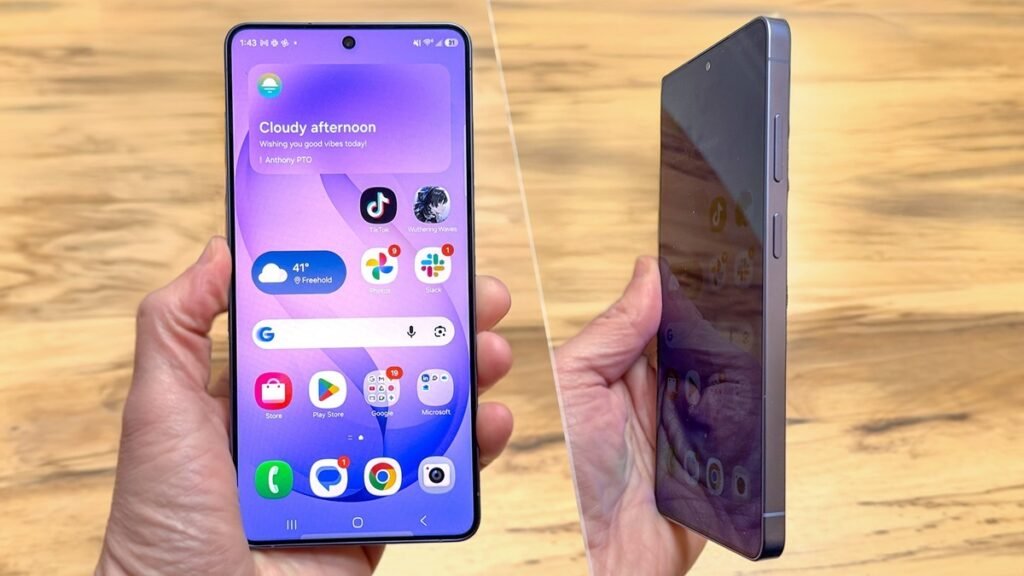
The Samsung Galaxy S26 features a handy one-handed mode that makes it easier to use the large display with one hand. This is especially useful for users with smaller hands or when you’re on the go. The one-handed mode minimizes the screen size, shifting the interface to one side, making it easier to navigate through apps, type, and interact with the Phone.
To enable the one-handed mode, go to Settings, select Advanced Features, and toggle on the One-Handed Mode option. Once activated, you can quickly reduce the screen size by swiping down from the middle of the screen. This feature ensures a seamless experience even when you need to operate your Phone with one hand.
3. Secret Camera Features for Stunning Photos
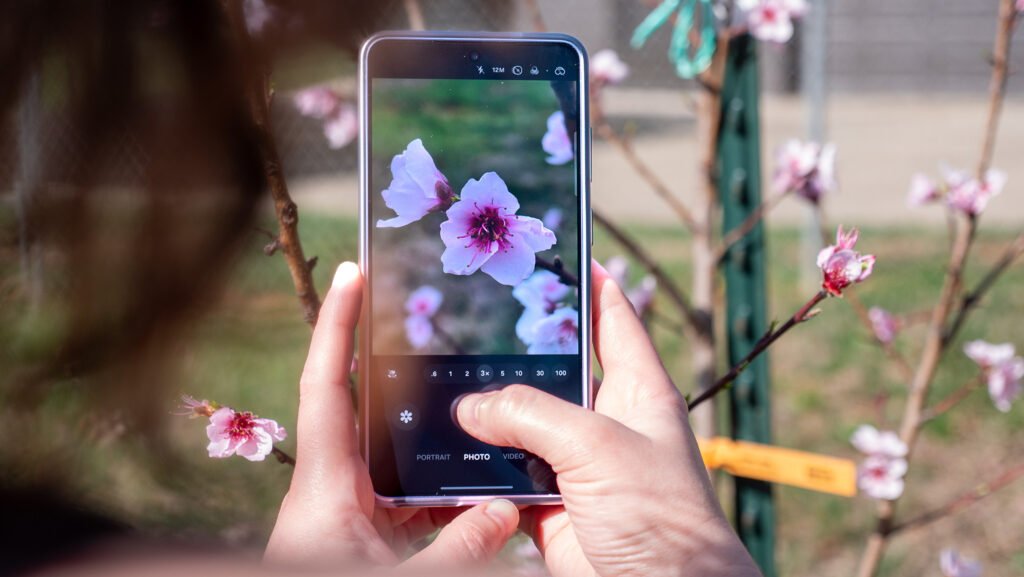
The Samsung Galaxy S26’s camera is packed with innovative features, but there are also some hidden camera features you might not know about. One such feature is Super Steady Mode, which ensures ultra-stable video recording even while moving. This feature helps you shoot smooth, professional-quality videos without a tripod.
Another hidden gem is the Director’s View, which allows you to capture footage from multiple cameras simultaneously. This can be particularly useful for vlogs or creating more dynamic video content. To access Director’s View, open the camera app, swipe to the left, and you’ll find the option to use multiple lenses for real-time video creation.
Additionally, the Pro Mode offers manual control over ISO, shutter speed, and focus, giving users greater creative control over their photos. These advanced camera tools are perfect for both beginners and professional photographers.
4. Enhanced Multitasking with App Pairs
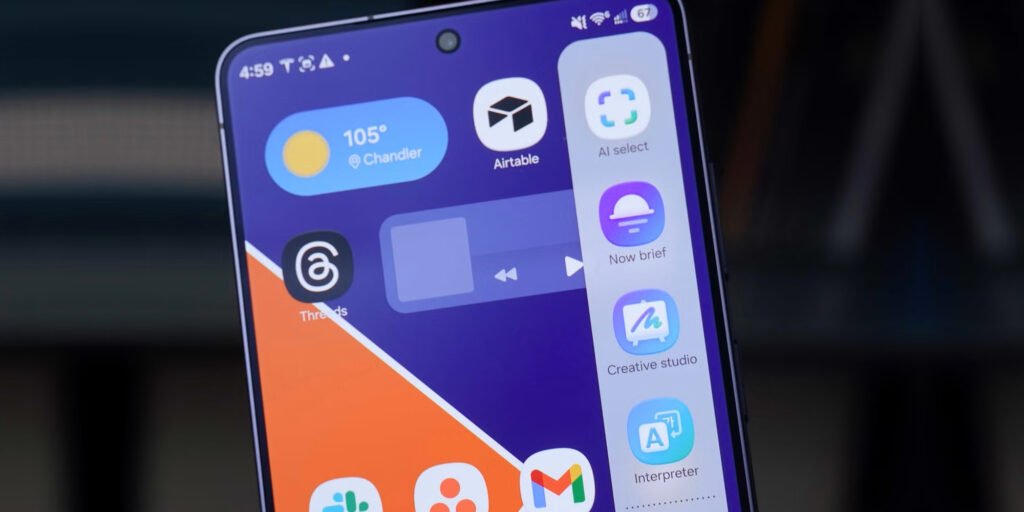
The Samsung Galaxy S26 comes with a useful feature called App Pairs, which allows you to pair two apps and open them simultaneously in a split-screen view. This is incredibly useful for productivity, allowing you to compare documents, browse the web while texting, or watch a video while taking notes.
To use App Pairs, open the Edge Panel (enabled from the settings) and select App Pairs. Choose two apps you want to pair, and once selected, you can open them side by side at any time. This feature significantly boosts productivity, especially for users who are always multitasking.
5. Battery Management with Adaptive Power Saving Mode
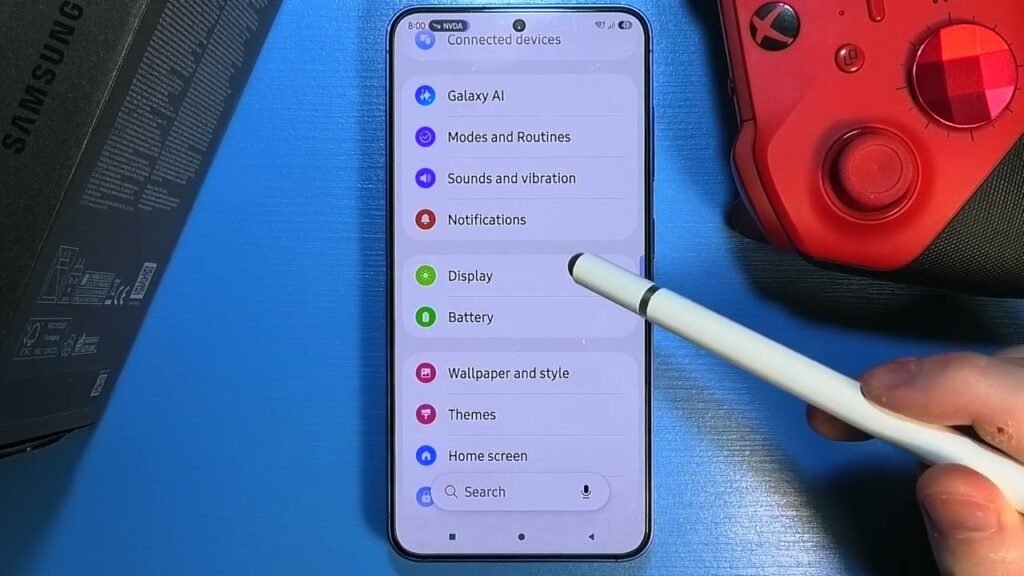
Samsung’s Adaptive Power Saving Mode on the Galaxy S26 is a hidden feature that helps optimize battery life based on your usage habits. The device intelligently adjusts the power settings, reducing background activity and optimizing performance when the battery is low. This feature extends your battery life without compromising performance, making it perfect for those long days when you’re away from a charger.
You can activate Adaptive Power Saving Mode by going to Settings > Battery and Device Care > Battery > Power Mode, and then selecting Adaptive Power Saving. The mode automatically adapts to your habits, helping the battery last longer throughout the day.
6. Samsung Galaxy S26 Edge Lighting for Notifications
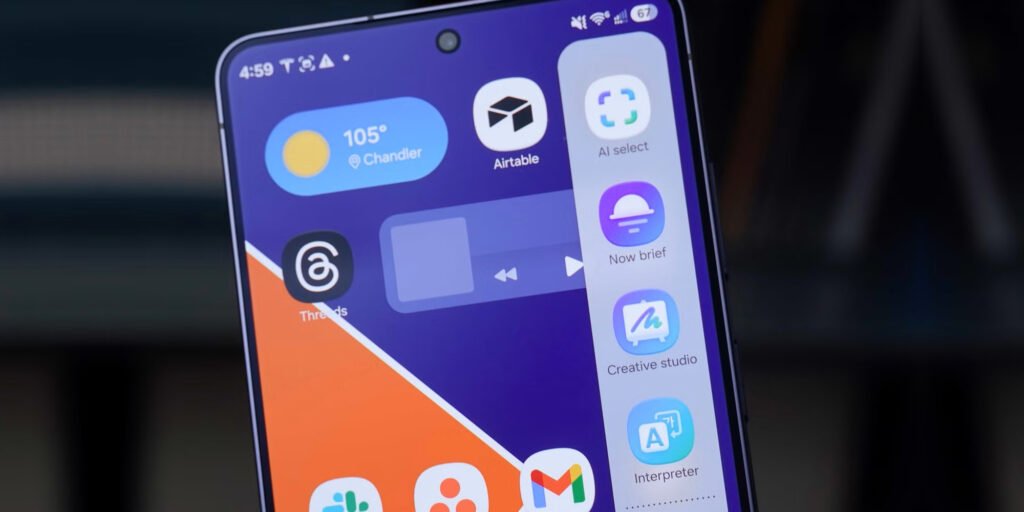
The Edge Lighting feature on the Samsung Galaxy S26 adds a stylish and practical touch to your notifications. This feature lights up the edges of the screen when you receive a notification, even when the Phone is lying face down. It’s a great way to catch up on notifications without turning your Phone over or unlocking it.
To enable this feature, go to Settings > Display > Edge Screen > Edge Lighting. You can customize the lighting colors and styles to match your preferences. This small but cool feature is perfect for enhancing your smartphone’s look and functionality.
7. Samsung Galaxy S26 Secret Menu for Developers
If you are a developer or someone who loves exploring your device, the Samsung Galaxy S26 has a hidden Developer Options menu that offers advanced settings and features. This menu allows you to fine-tune various aspects of your Phone, including animation speed, background processes, and USB debugging. It’s a great way to improve performance and explore your Phone’s full potential.
To unlock Developer Options, go to Settings > About Phone, and tap Build Number seven times. Once activated, you will find the Developer Options in the Settings menu under System. Here, you can make advanced adjustments that can improve your device’s performance, especially if you’re a power user.
Expert’s Opinion
The Samsung Galaxy S26 is packed with features designed to make your experience seamless and enjoyable. From customizable shortcuts to hidden camera features and adaptive power saving, there’s a lot to discover beyond the basics. By exploring these hidden Samsung Galaxy S26 features, you can unlock your device’s full potential and enjoy an even more efficient smartphone experience.
For more tips and insights on Samsung Galaxy S26 features, visit Tech Detour Gadget for expert guides and updates.