

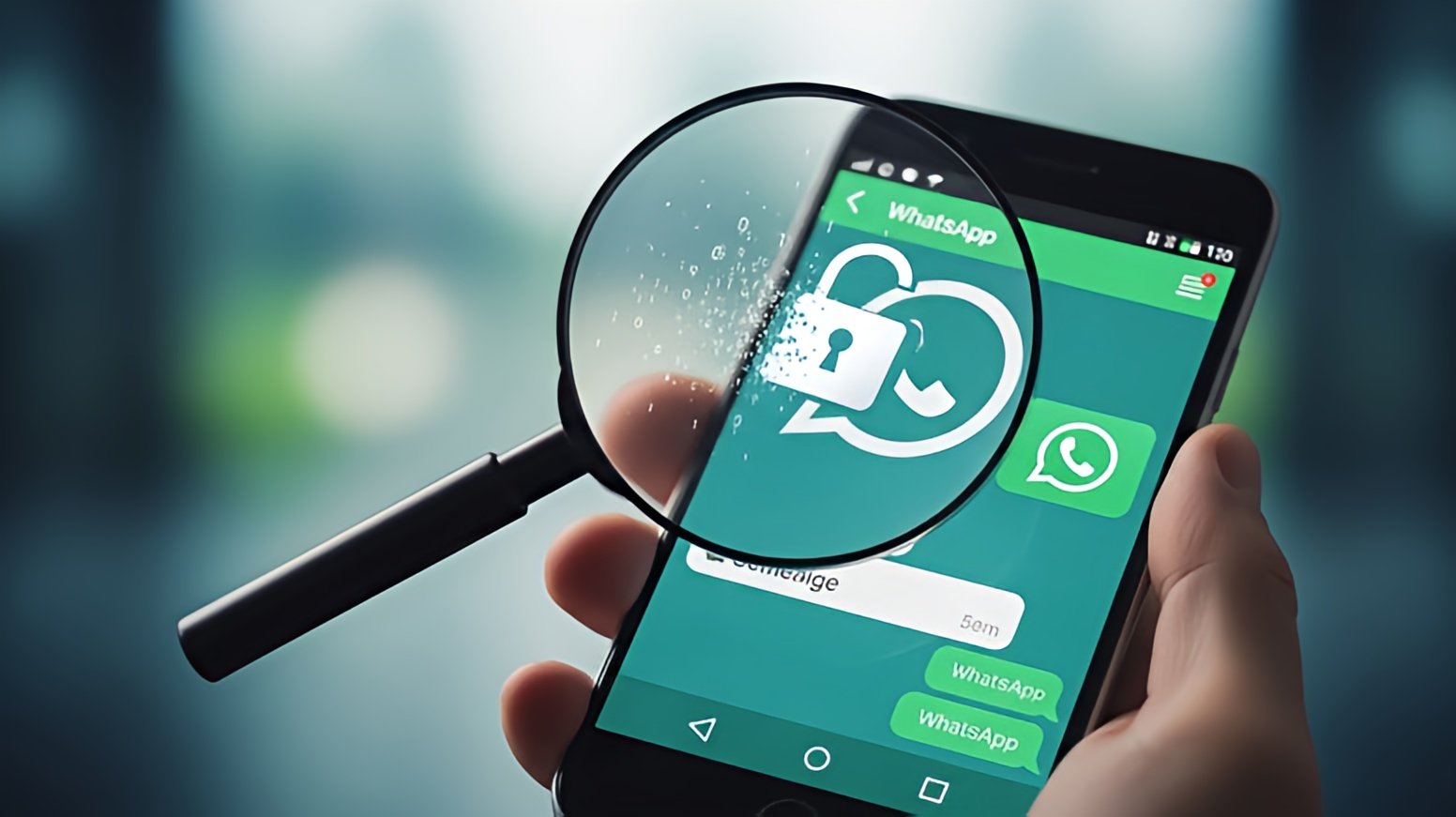

WhatsApp is one of the most widely used messaging apps in the world. With billions of users sharing personal messages, photos, documents, and even financial details, one question keeps coming up: Is your WhatsApp data really safe?
At TechDetour, we focus on breaking down complex tech topics into clear, practical insights. We’ll examine how WhatsApp handles your data, what is actually protected, where the risks lie, and what you can do as a user to stay safer.
How WhatsApp Claims to Protect Your Data
WhatsApp often highlights privacy as one of its biggest strengths. The platform is owned by Meta (formerly Facebook), which makes users understandably cautious. However, WhatsApp operates slightly differently from other Meta products.
End-to-End Encryption Explained
WhatsApp uses end-to-end encryption for messages, calls, photos, videos, and voice notes. This means:
- Only you and the person you’re communicating with can read or hear the content
- Messages are locked with encryption keys stored only on users’ devices
- Not even WhatsApp can read your messages
This encryption is enabled by default and applies to both personal and group chats.
What Encryption Does Not Cover
While message content is encrypted, encryption does not protect everything. WhatsApp still collects certain types of metadata, prompting the following critical discussion.
What Data WhatsApp Actually Collects
Many users assume encryption means complete privacy. That’s not entirely true.
Metadata and Usage Information
WhatsApp may collect:
- Your phone number
- Device information
- IP address
- Contact list (if permission is granted)
- Usage patterns, such as when and how often you use the app
This data helps WhatsApp operate the service, prevent abuse, and integrate with Meta’s broader ecosystem.
Why Metadata Matters
Even without reading messages, metadata can reveal a lot, such as:
- Who you communicate with
- How frequently do you chat
- Your general location
From a privacy perspective, metadata can sometimes be as revealing as message content itself.
WhatsApp and Meta Data Sharing Concerns
Since Meta owns WhatsApp, users often worry about their data being shared with Facebook and Instagram.
What WhatsApp Shares With Meta
WhatsApp states that it may share limited information with Meta companies for:
- Security and fraud prevention
- Service improvement
- Business integrations
However, WhatsApp does not share message content due to encryption.
Business Accounts and Messaging
When you chat with a business on WhatsApp:
- The business may store messages
- Some enterprises use third-party tools to manage chats
- These conversations may not have the same privacy level as personal chats
This is a critical point many users overlook.
Cloud Backups Are a Major Privacy Gap
One of the most critical risks does not come from WhatsApp itself, but from cloud backups.
How Backups Work
WhatsApp allows users to back up chats to:
- Google Drive on Android
- iCloud on iPhone
These backups are not always end-to-end encrypted by default, depending on your settings.
Why Backups Can Be Risky
If backups are not encrypted:
- Cloud providers could access the data if legally required
- Hackers could target weak cloud account security
- Your messages become vulnerable outside WhatsApp’s encryption system
WhatsApp now offers encrypted backups, but users must manually enable this feature.
Can Governments or Hackers Access Your WhatsApp Data?
This is a common concern, especially in regions with strict surveillance laws.
Government Requests
WhatsApp can respond to legal requests, but due to encryption:
- It cannot provide message content
- It may provide limited account information and metadata
Access levels depend on local laws and the user’s location.
Hacking and Spyware Threats
While encryption is strong, users can still be compromised through:
- Malware or spyware on their devices
- Phishing attacks
- Fake apps or links
In these cases, attackers don’t break WhatsApp’s encryption —they target the user directly.
How Safe Is WhatsApp Compared to Other Messaging Apps?
WhatsApp sits somewhere in the middle when compared to other messaging platforms.
Strengths
- Strong default encryption
- Large user base with consistent security updates
- Simple privacy controls
Weaknesses
- Tied to Meta’s data ecosystem
- Metadata collection
- Cloud backup risks
Apps like Signal may collect less metadata, while Telegram offers different privacy models with trade-offs. No platform is perfect — it depends on your threat level and usage habits.
What You Can Do to Improve Your WhatsApp Privacy
Even if WhatsApp is generally safe, user behavior plays a huge role in data protection.
Enable Encrypted Backups
Enable end-to-end encrypted backups in WhatsApp settings to protect your chat history.
Adjust Privacy Settings
Limit who can see:
- Your profile photo
- Last seen and online status
- Status updates
This reduces unnecessary data exposure.
Be Careful With Links and Downloads
Avoid clicking unknown links or downloading files from untrusted contacts. Many privacy breaches start with social engineering, not technical flaws.
Secure Your Device
- Use a strong phone lock
- Enable two-step verification in WhatsApp
- Keep your operating system updated
These steps protect your data even if your phone is lost or compromised.
So, Is Your WhatsApp Data Really Safe?
The honest answer is yes, but with conditions.
WhatsApp provides strong encryption and solid security for message content. For everyday users, it is generally safe when used correctly. However, privacy risks still exist through metadata collection, cloud backups, business chats, and user-side vulnerabilities.
Final Thoughts From TechDetour
WhatsApp remains one of the more secure mainstream messaging apps, but it is not a privacy shield against everything. Understanding what is protected, what is collected, and how your own habits affect security is key.
Stay informed, stay cautious, and keep detouring through tech with TechDetour.